Pausing/Resuming SWM Campaign
To pause or resume a Campaign that is already started, do the following:
- On the SWM app, Click CAMPAIGNS
- Do one of the following:
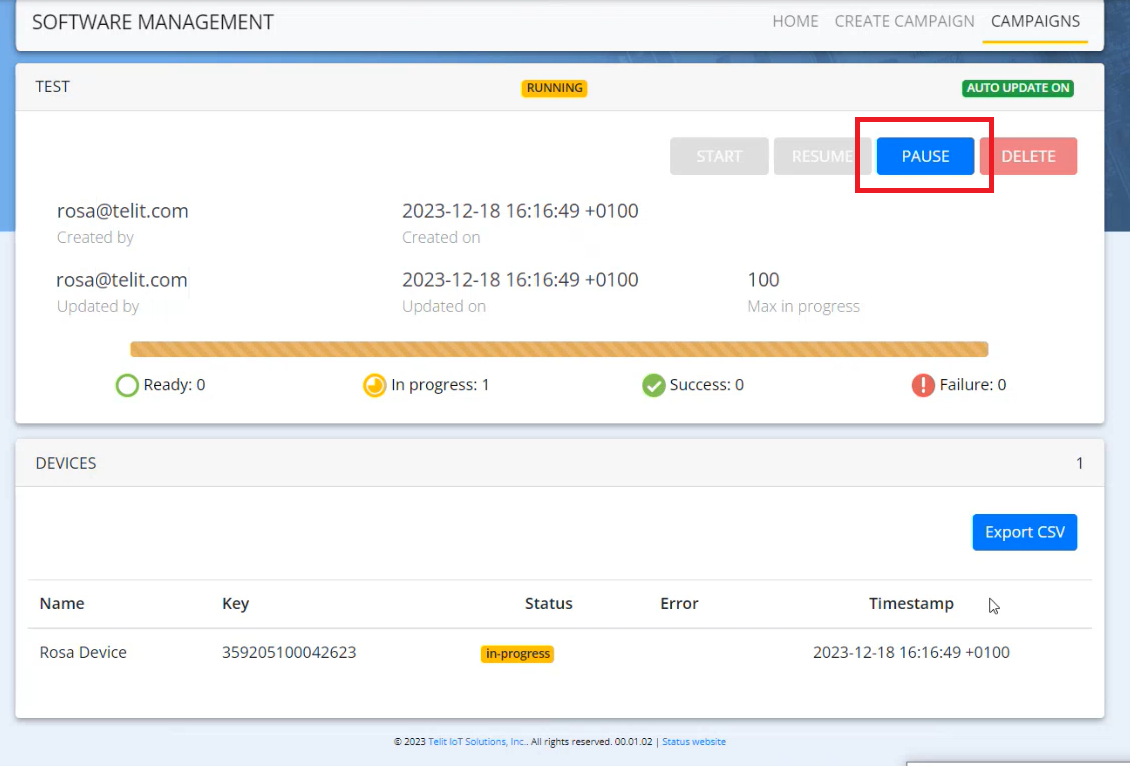
- To pause a campaign,
- Click on the campaign that is already started (in running state)
- click PAUSE
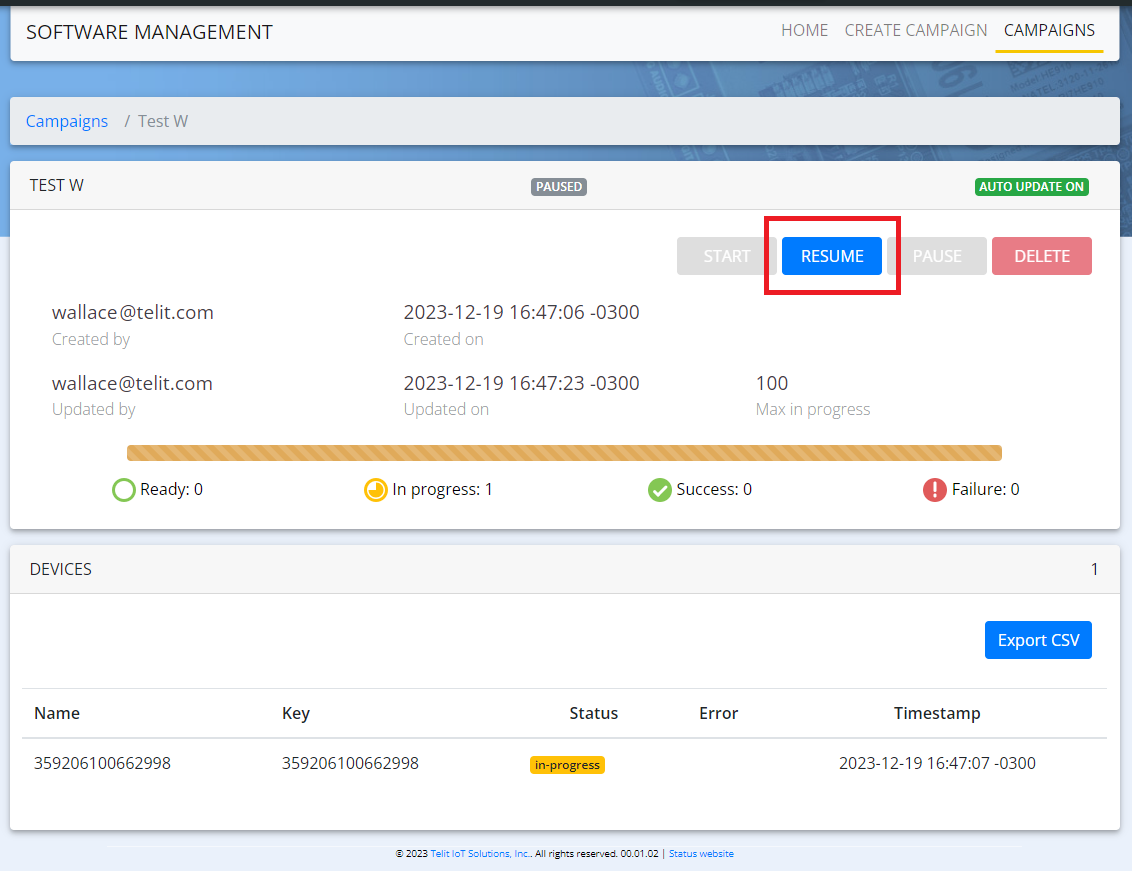
- To resume a campaign,
- Select the campaign(s) that is paused (in paused state)
- Click RESUME
- To pause a campaign,
It is also possible to pause or resume a campaign from the Campaign Overview page, using the check boxes.