Adding email to Notification group
To add a member or an email to an existing notification group, do the following:
- From the Administration screen
in the CONFIGURATION group, click on
the Notification groups.
The Notification groups screen appears with a list of existing notification groups. - Click on the view button of a notification group.
For more information on viewing a notification group,
see Viewing a
Notification Group.
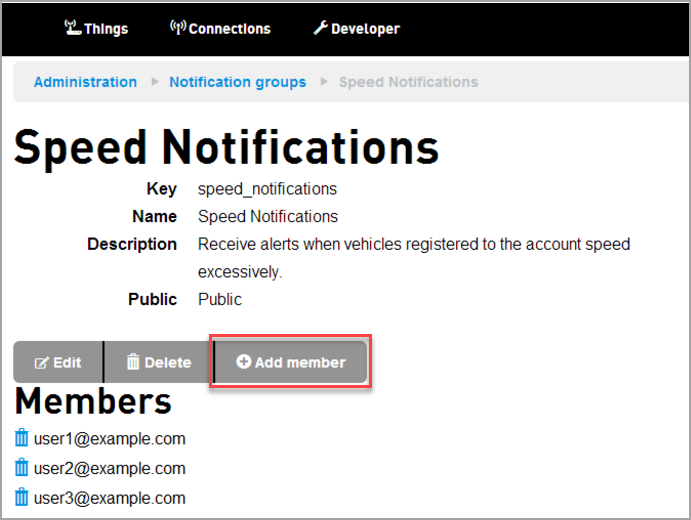
The notification group with the existing members appear - Click Add member
The Adding member screen appears.Org Admins are allowed to find, join, or leave a private notification group. You need an Org Admin to add or remove a regular user to a Private notification group.
- Enter the email address.
- Click Add.
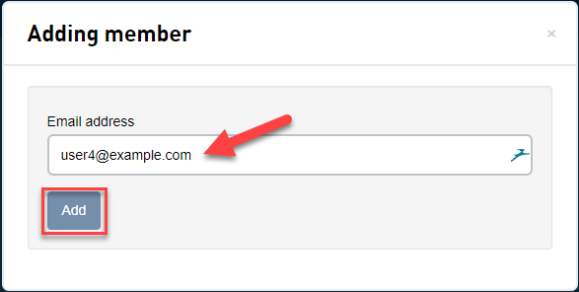
Only valid email addresses with existing user accounts is allowed to be added.
 Related Topics