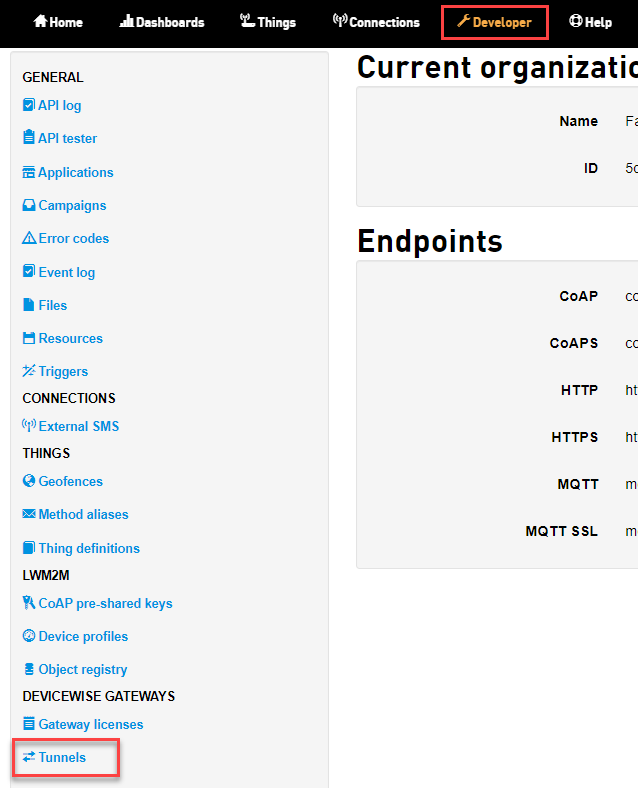
To view the tunnels, do the following:
- On the Developer screen in
the GENERAL group,
click Tunnels
The Tunnels screen appears. Each log entry will display the date and time the Tunnel status changed, the current status, and the port information. - Click on the corresponding view icon
 of a tunnel that
you want to view.
of a tunnel that
you want to view.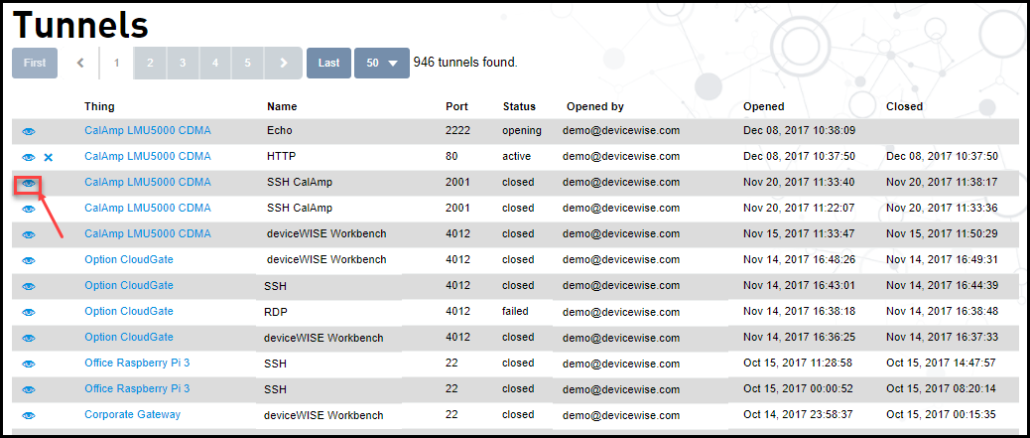
The Tunnel information appears with additional information.