The Show current address widget is used to display the current address of a Thing. The address appears as a link is clicked for detailed location information.
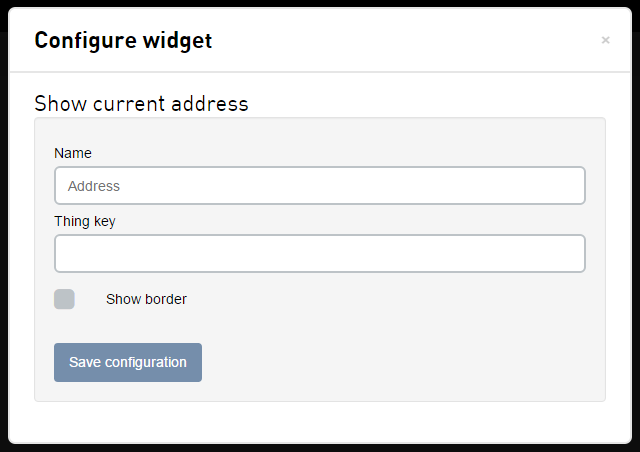
| Field | Description |
|---|---|
| Name | The name of the widget, shown at the top of the widget. |
| Thing key | The Thing key this widget should respond to. If left blank, the widget will inherit the Thing key from the dashboard. |
| Show border | Whether the widget should have a border around it. |
Interacting with the widget
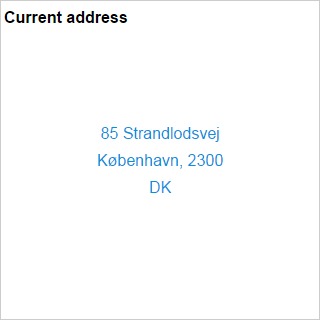
- When you mouse over the shown address link, a tool tip will be displayed showing the timestamp the address was last reported (e.g., Last reported 2015-07-30 17:58:21).
- Clicking on the link will open up a modal window displaying more information about the Thing's specific location.
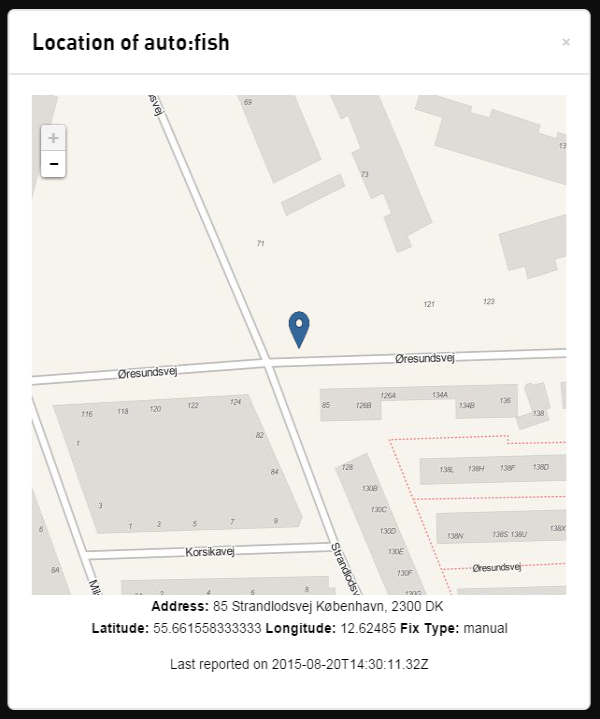
- The modal contains a map along with precise location information for the widget's configured Thing whose name is at the top.
- The map displays a marker indicating the Thing's location relative to its surrounding area, which can panned and zoomed freely.
- Below the map, the Thing's current address is shown along with the location's reported latitude, longitude, fix type, and timestamp.