The Time range by alarm widget will display a list of time ranges by a Thing's alarm state. Selecting a time range will update the dashboard according to the range selected. The widget has to be configured according to the expected Thing definition of a single Thing dashboard view.
Configuring the widget
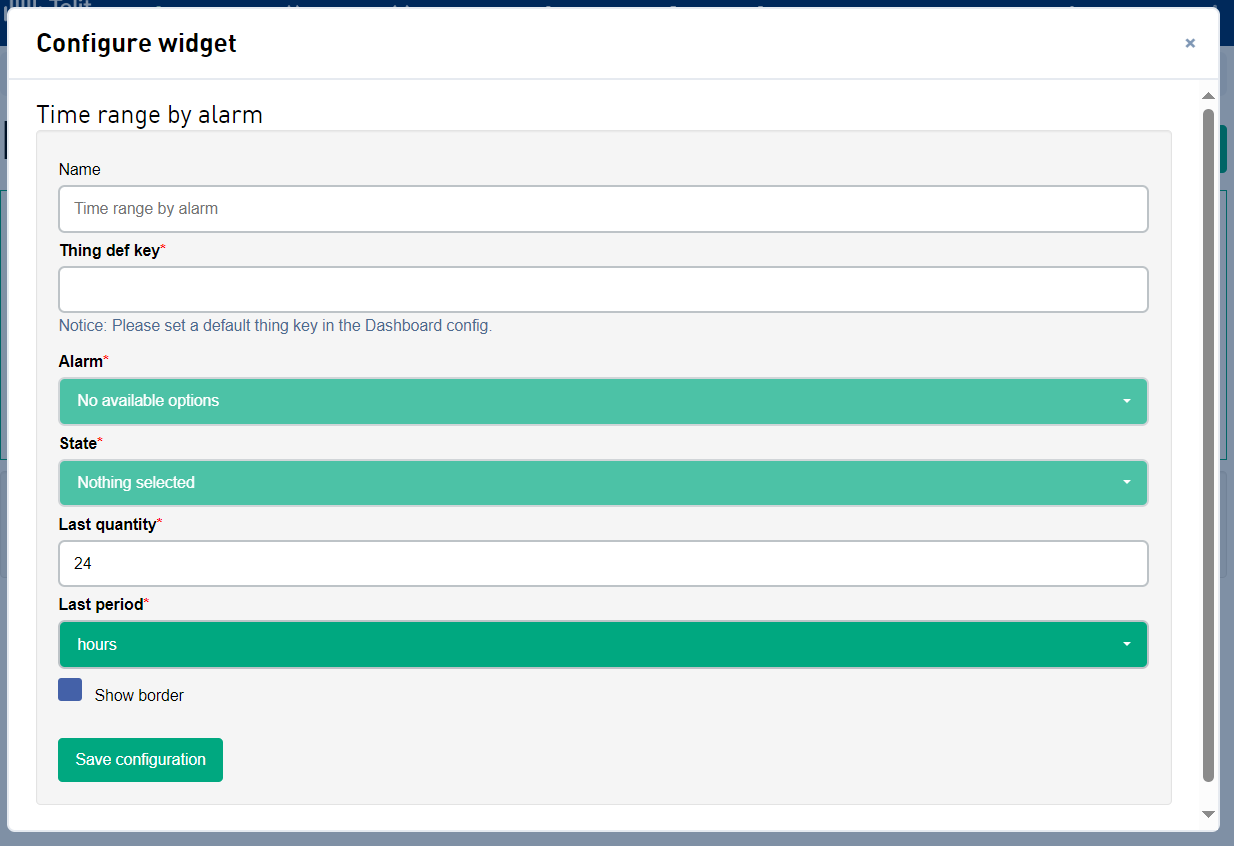
| Field | Description |
|---|---|
| Name | The name of the widget, shown at the top of the widget. |
| Thing def key | The Thing def key from which to populate the alarm and state values from. Remember to set a default thing key in the Dashboard config. |
| Alarm | The alarm the widget is to filter the alarm history by. |
| State | The state the widget is to filter the alarm history by. |
| Last quantity | The relative number of time periods to filter alarm history by. |
| Last period |
The relative time period to filter the alarm history by.
|
| Show border | If the widget should have a border around it. |