The twilio.sms.receive event is triggered when a twilio SMS is received.
1. Purchase a number with a valid Twilio
account. https://www.twilio.com
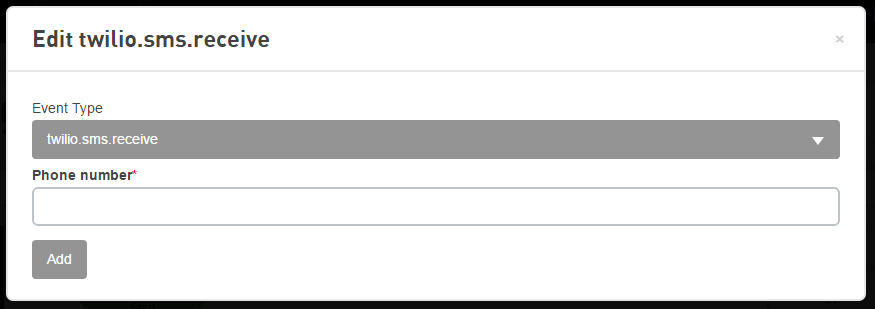
2. Set the messaging URL to https://api.devicewise.com/twilio/<callback
secret>
3. Define a cloud trigger filtering for the phone number or
leave blank for all
You can only forward one number to one address. Phone number must have "messaging" support.
The phone number format (for use in the From and To phone number fields) supported by Twilio is E.164. Please refer to https://www.twilio.com/docs/glossary/what-e164 for more information.
| Name | Type | Required | Description |
|---|---|---|---|
| Phone number | String | Yes | The phone number of the SMS receiver. Before saving, the phone number will be processed to match the format transmitted by the Twilio service. |
| Name | Type | Description |
|---|---|---|
| $(event.sms.accountSid) | String | The account SID of the twilio SMS that initiated this trigger. |
| $(event.sms.body) | String | The body of the SMS that initiated this trigger. |
| $(event.sms.from) | String | The phone number that sent the SMS that initiated this trigger. |
| $(event.sms.messageSid) | String | The message SID of the twilio SMS that initiated this trigger. |
| $(event.sms.to) | String | The phone number target of the SMS that initiated this trigger. |