Connections Page
With two options within its dropdown, the Connections Page can be shown in a List and a Map. Both of them display the connections and its specific related data.
Connections Page - List
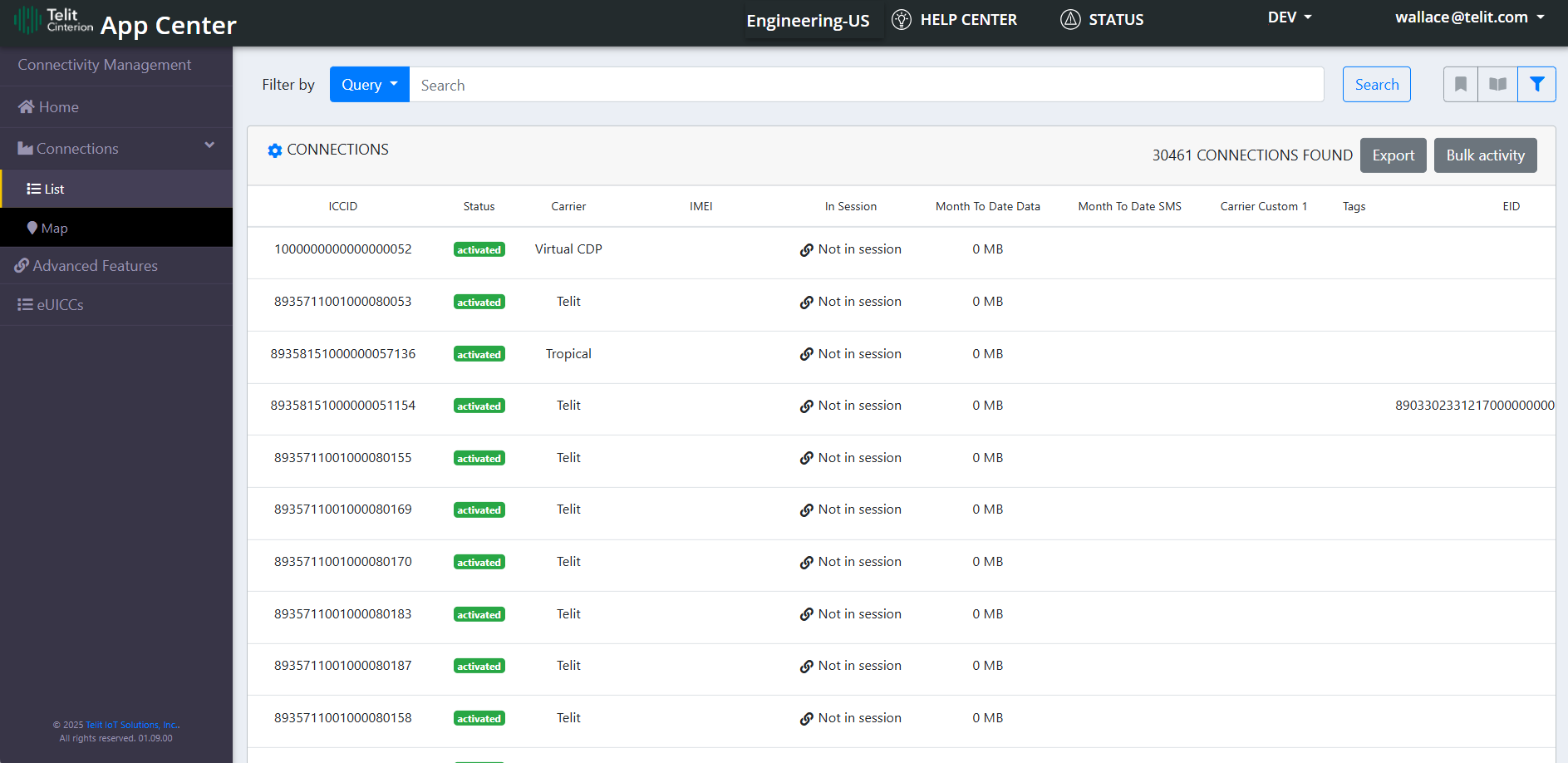
Through the Connections Page List, it is possible to:
|
Functionalities |
Description |
|---|---|
| Filter By |
User can filter the list by below parameters:
|
Bookmark |
User can save current filter parameters.
|
Open |
Opens saved bookmarks of previously used filter parameters.
|
|
Show Advanced Filters
|
The button opens the Advanced Filter bar, and also returns it to the regular search bar. With the Advanced Filter activated, users can filter by criteria such as: Carrier, Country, APN, Tag, EID and Status.
|
|
Select Columns
|
User can select the columns to display. Selected columns will be stored for future usage. |
| Export | Generates CSV file with the listed connections and its details. |
| Bulk Activity |
Bulk activity allow the user to create a campaign to do bulk operations on a list of SIMs. Allowed operations are:
Click here to understand more about Bulk changes. |
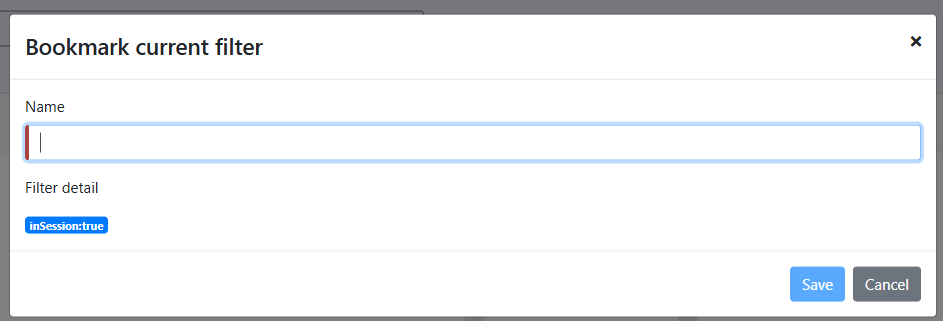
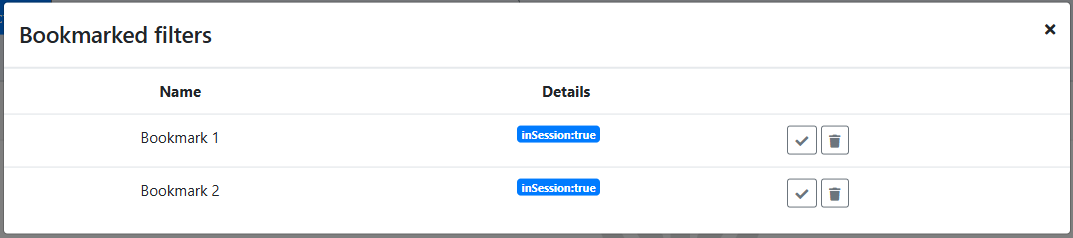



To view connection details, click the Details button in the desired row. This action redirects you to the Connections details page
Connections Page - Map
This page shows the locations of the connections on the world map.
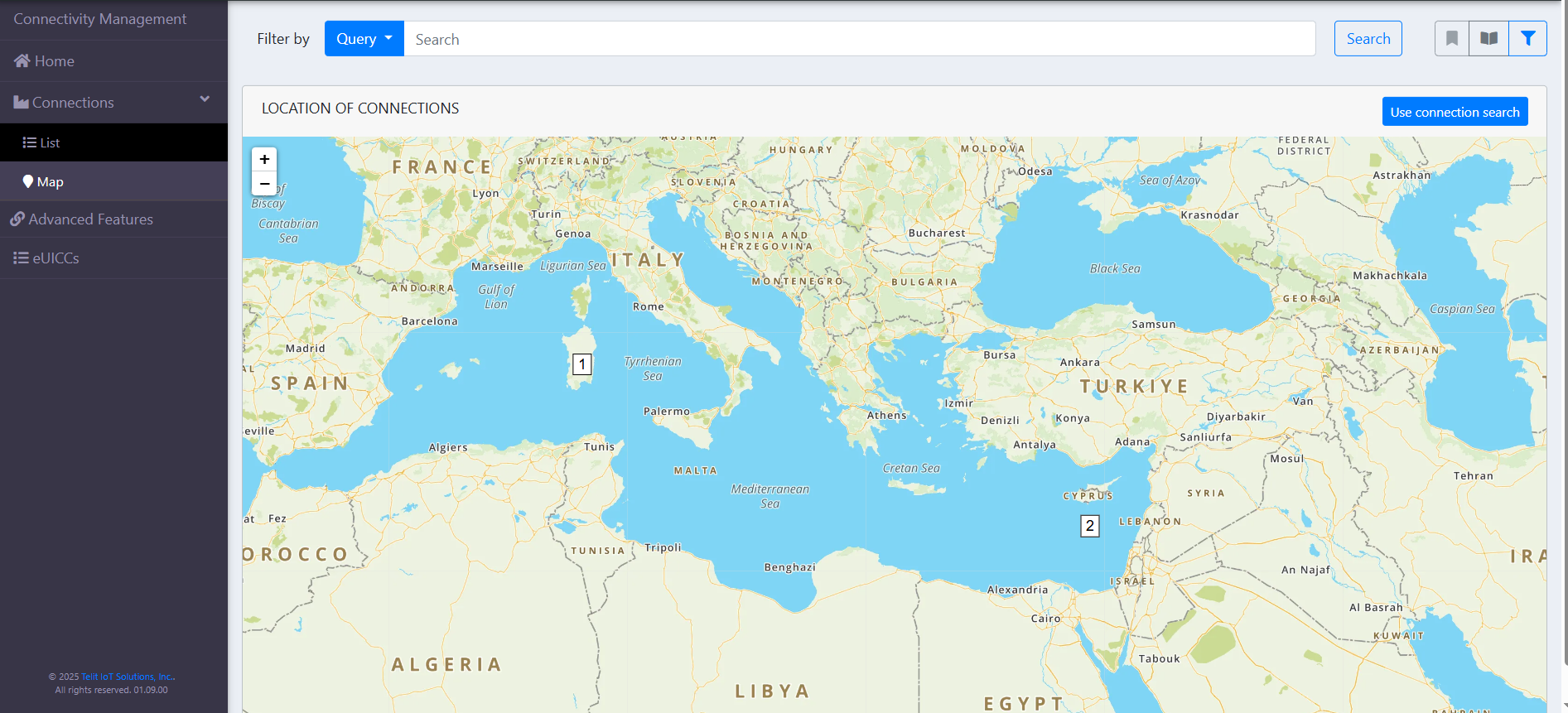
Through this page, the user can search connections by:
-
Connection Aggregate;
-
Connection Search.
All of the functionalities mentioned on the Connection Page List, except for "Select Columns," "Export," and "Bulk Activity," are also available on the map.