Starting SWM Campaigns
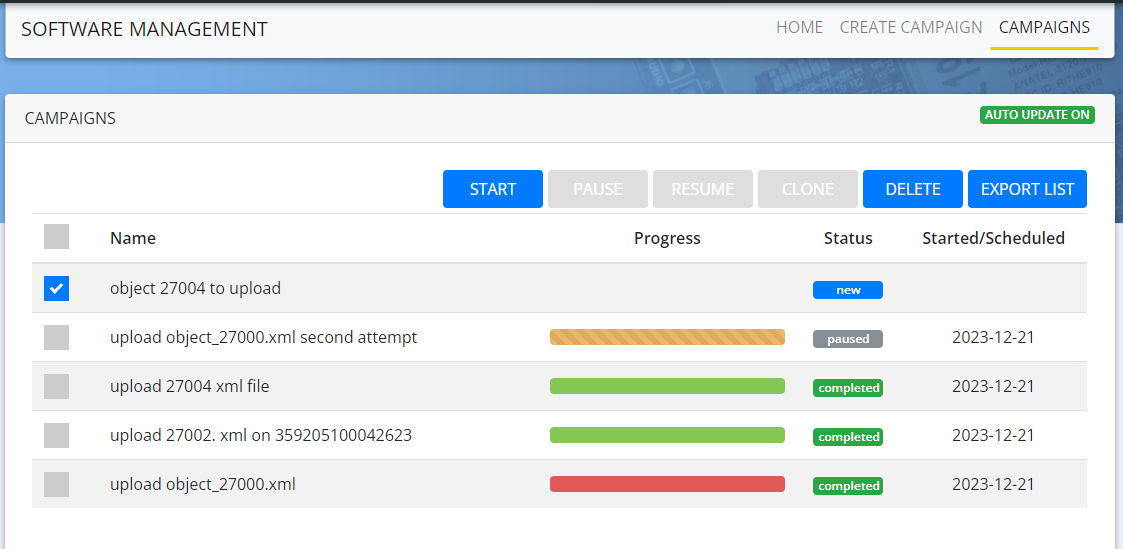
You will be able to start a Campaign from the Campaigns screen. Do the following to start a Campaign:
- On the SWM app, Click CAMPAIGNS
- Select the campaign in the new state
The Campaign need to have at least one member to start
- Click START
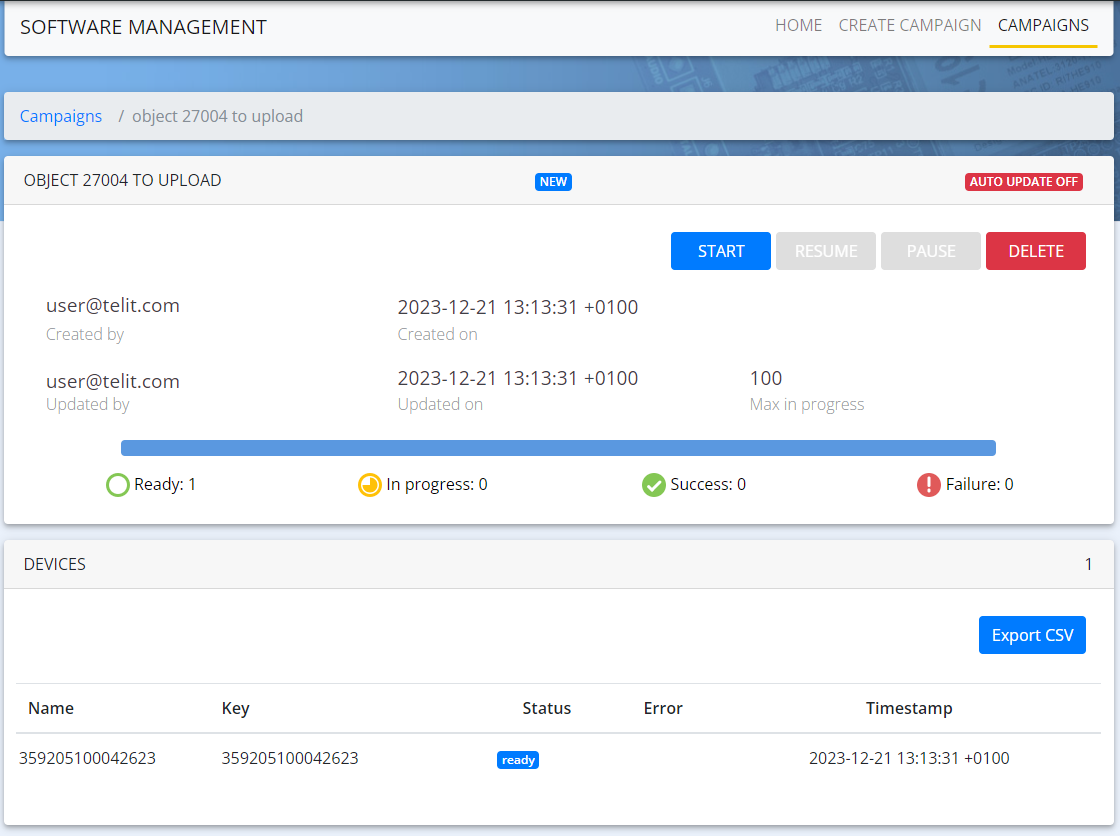
It is also possible to start a Campaign within a Campaign. To do that, follow these steps:
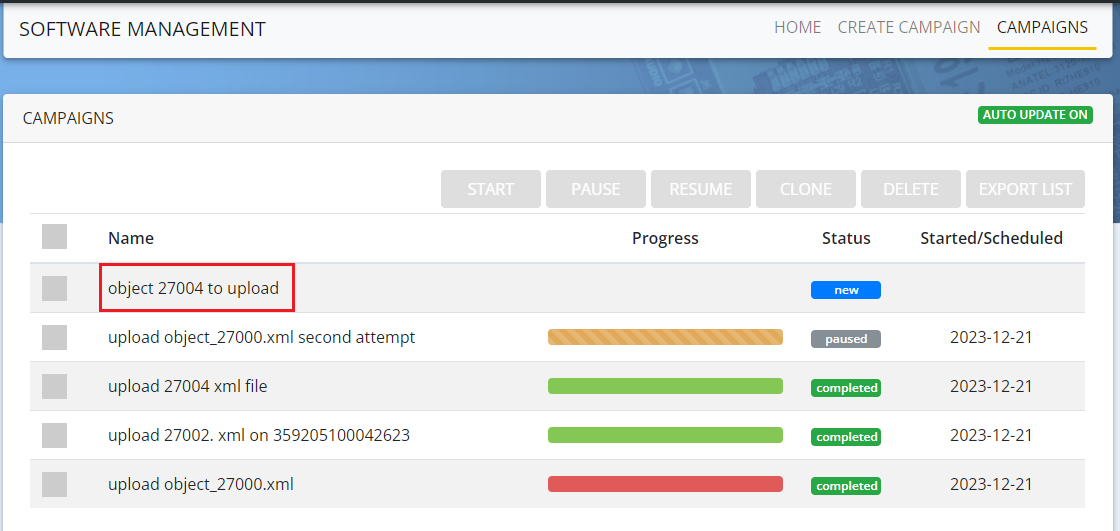
- Click the Campaign that you want to start (click on the name of the Campaign, not the checkbox)
- Click START