Campaigns
The Campaigns view provides overall progress of all campaigns in your organization, along with the current status and the date when each campaign is Scheduled or Started.
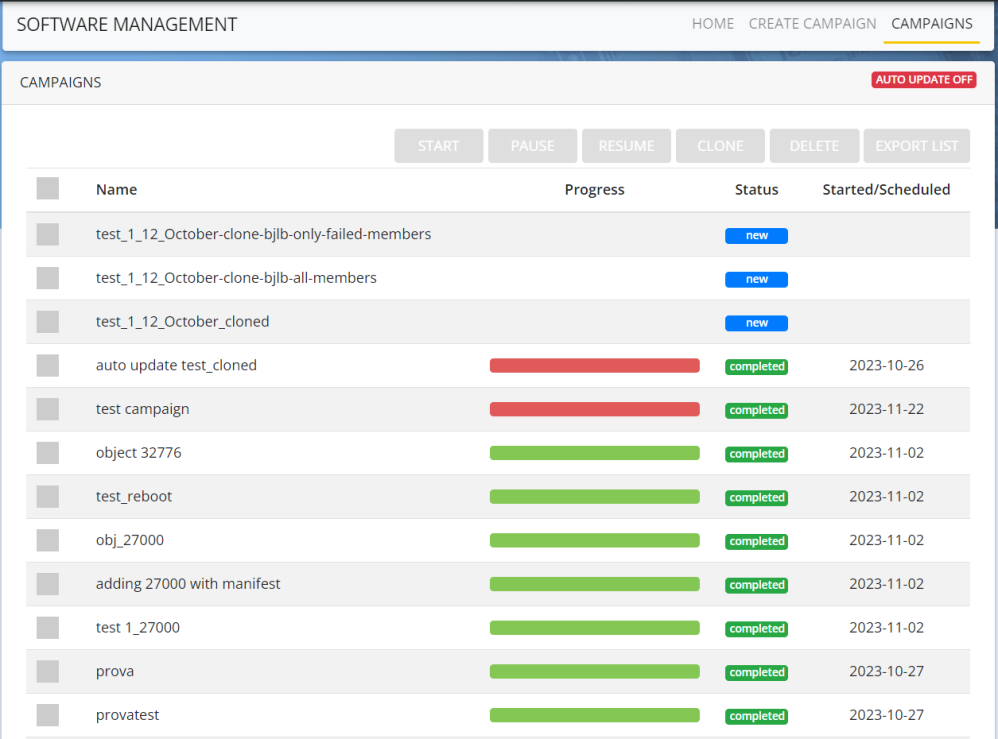
-
To perform any operations in the Campaign screen, first select the Campaign from the list.
-
You will be able to do the following operations depending on the status of your Campaign:
-
Click
 to toggle to
  . If the is enabled and there are no Campaigns in progress for the past 30 seconds, it automatically toggles to .