The Check TR50 Connection Status action
checks the TR50 connection status and is similar to an
If action where the condition being tested
is the TR50 connection.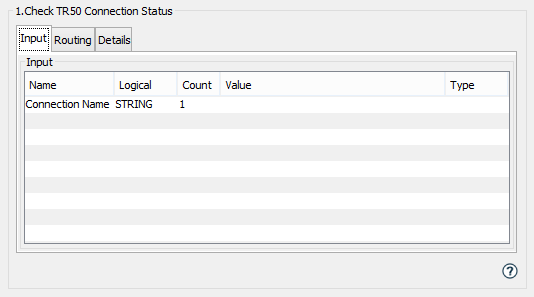
Input tab
| Name | Description |
|---|---|
| Connection Name | The TR50 connection name of the
connection to perform this action
on.
(Optional) If not specified, the name of the connection used is Default. |
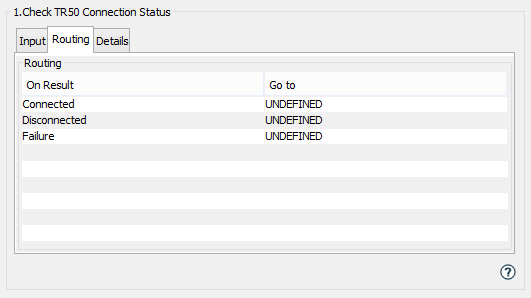
Routing tab
| On Result | Description |
|---|---|
| Connected | The TR50 connection status is currently Connected. |
| Disconnected | The TR50 connection status is currently Broken or Disconnected. |
The TR50 connection Status and State are displayed on the TR50 Connection Management tab.