To lwm2m.composite.write action will retrieve the values for the requested objects, instances, resources, or values.
Action
To access the lwm2m.composite.read trigger action:
- In the Adding trigger screen, under Lwm2m click and drag the lwm2m.composite.write to the canvas.

Canvas
When dragged onto the canvas, the appearance of the action is a rectangle with two routing points.
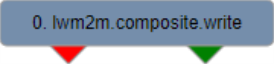
The left routing point (red) is the failure route. This route will be taken if there is an error during execution.
The right routing point (green) is the success route. This route will be taken if action executes successfully.
.
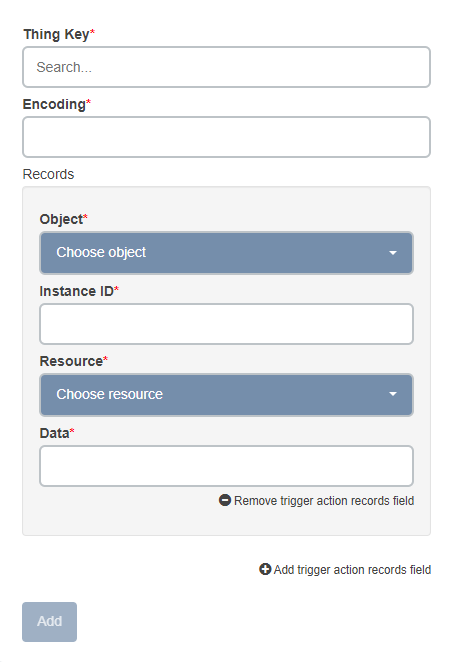
Parameters
| Name | Type | Required | Description |
|---|---|---|---|
| Thing key | String | Yes | The thing key of the LWM2M device. |
| Encoding | Integer | Yes |
The encoding that needs to be done. Must be SenML+CBOR (112) or SenML+JSON (110). |
| Records | Array | Yes | An array of LwM2M Records to be written. |
LwM2M Record Parameters
| Name | Type | Required | Description |
|---|---|---|---|
| Object Id | Integer | Yes | The Object ID of the device to be written. |
| Instance Id | Integer | Yes |
The Instance ID of the object. |
| Resource Id | Integer | Yes | The Resource ID of the instance. |
| Data | Object | Yes | The data to be written to the resource. |