The lwm2m.oir.observe_cancel action will cancel an observation on an instance, or resource.
Action
This campaign action is found under the Lwm2m heading.

To access the lwm2m.oir.observe_cancel campaign action:
-
In the Creating a Campaign screen, under Lwm2m click and drag lwm2m.oir.observe_cancel to the canvas.
Canvas
When dragged onto the canvas, the appearance of the action is a rectangle with two routing points.
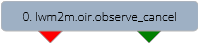
The left routing point (red) is the failure route. This route will be taken if there is an error during execution.
The right routing point (green) is the success route. This route will be taken if action executes successfully.
Form
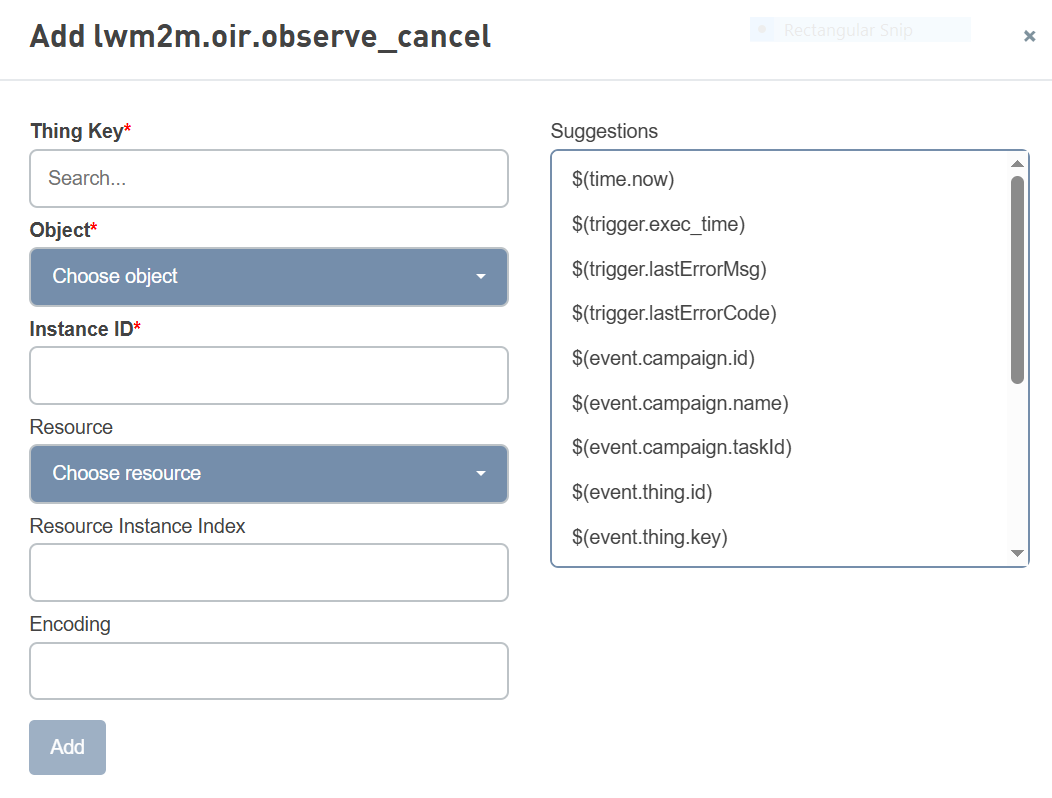
Parameters
| Name | Type | Required | Description |
|---|---|---|---|
| Thing key | String | Yes | The thingKey of the LwM2M thing that should have an observation canceled. |
| Object | String | Yes | Click on the Object drop-down and then select the object to cancel the observation for. |
| Instance ID | String | Yes | The Instance ID of the object to cancel the observation for. |
| Resource | String | The Resource to cancel the observation for. | |
| Resource Instance Index | String | The Resource Index to cancel the observation for, in the case of a multi-value resource. | |
| encoding | Integer | Message containing data must specify the payload encoding by using one of the supported data format. For more information on encoding, see Navigating Object browser |